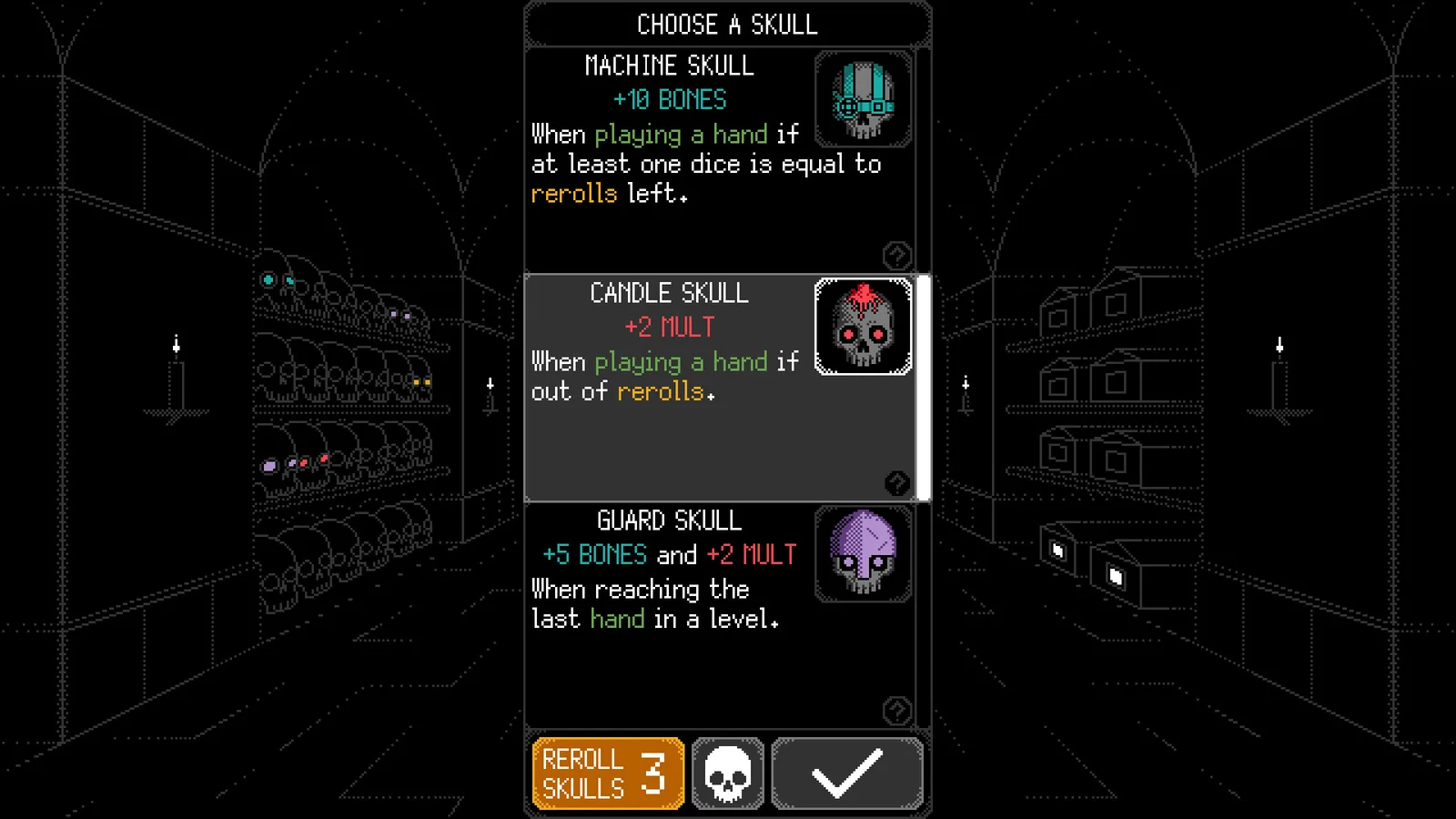
Read the board before choosing a hand
The official store describes the core loop as selecting dice, rerolling unwanted results, playing poker-style hands and collecting skulls. On the board, read the level threshold first, then check how many hands and rerolls remain. Bones, Mult and Total are visible scoring labels, but the reviewed sources do not establish the complete calculation order.
High Die is a named hand with a specific condition: official update 1.4 says it requires both a 1 and a 6. A lone high-value die is not an automatic High Die, and this condition does not show whether High Die is stronger than another available hand.
| Board label | What to read | Evidence boundary |
|---|---|---|
| Level / Threshold | The score target shown for the pictured level | Do not treat the screenshot value as a universal starting threshold |
| Play Hand | Hands remaining and the control used to play or preview | Current button behavior is documented for Steam 1.6, not tested here on every platform |
| Reroll | Rerolls remaining before you change the dice | No optimal reroll probability is claimed |
| Bones / Mult / Total | Visible scoring labels | The full formula and operation order remain unverified |
Use the score preview and activation indicators
Official Steam update 1.6 says to hold Play Hand to view the score preview. The same update describes a specific safeguard: while the score-preview hint is visible, reroll or hold the button to preview before playing. That safeguard does not mean every hand is always blocked until you preview it.
The 1.6 notes also say the skull inventory indicator combines skulls already activated by rerolling with skulls that would activate if the current hand were played. Treat that number as an activation indicator, not as a count of newly activated skulls or an exact score.
Activation animations can highlight the dice and interface elements that contributed to a skull trigger. These are official Steam 1.6 notes; this page does not present the old store screenshots as a current runtime test.
Read the skull condition before selecting it
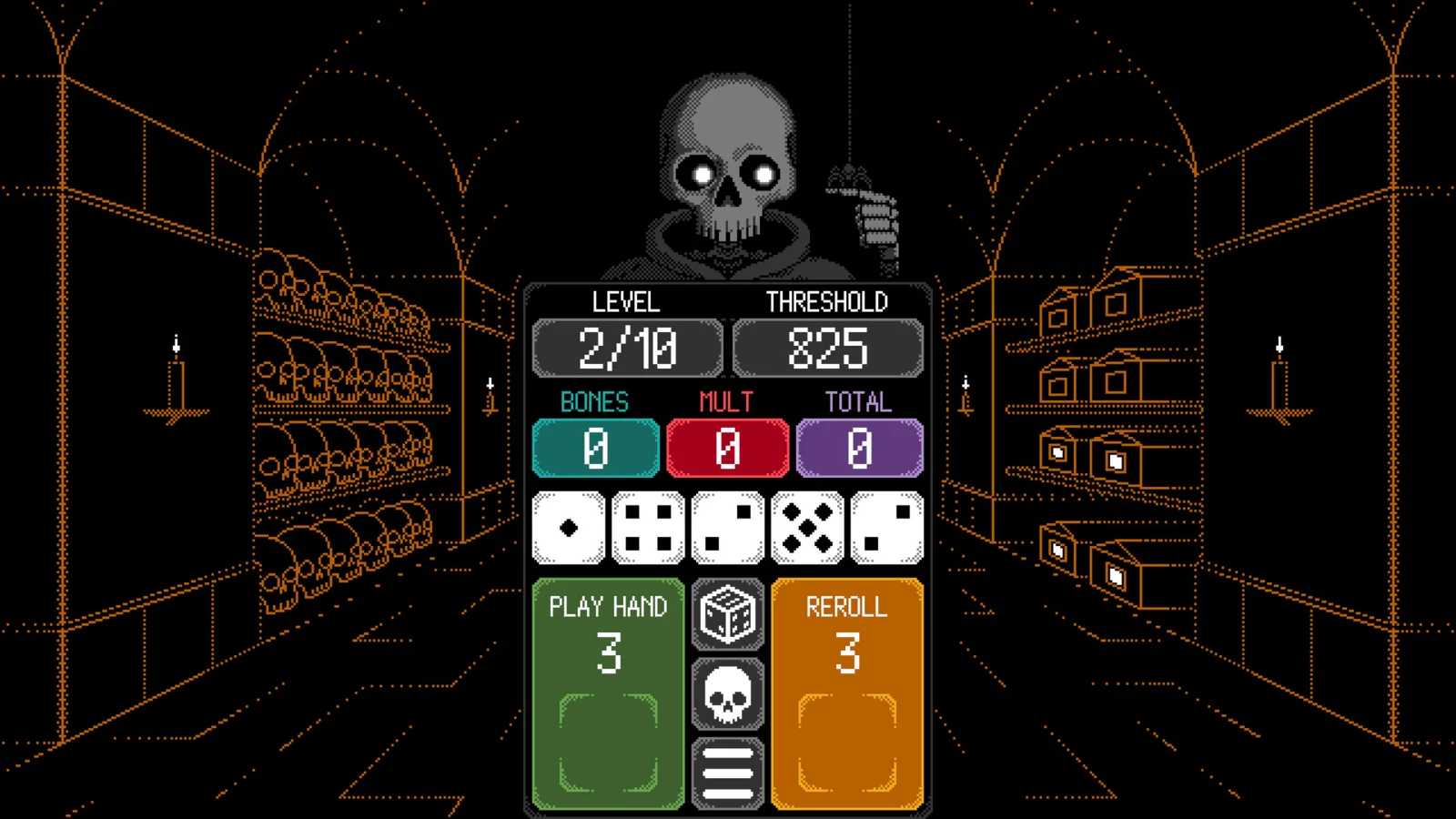
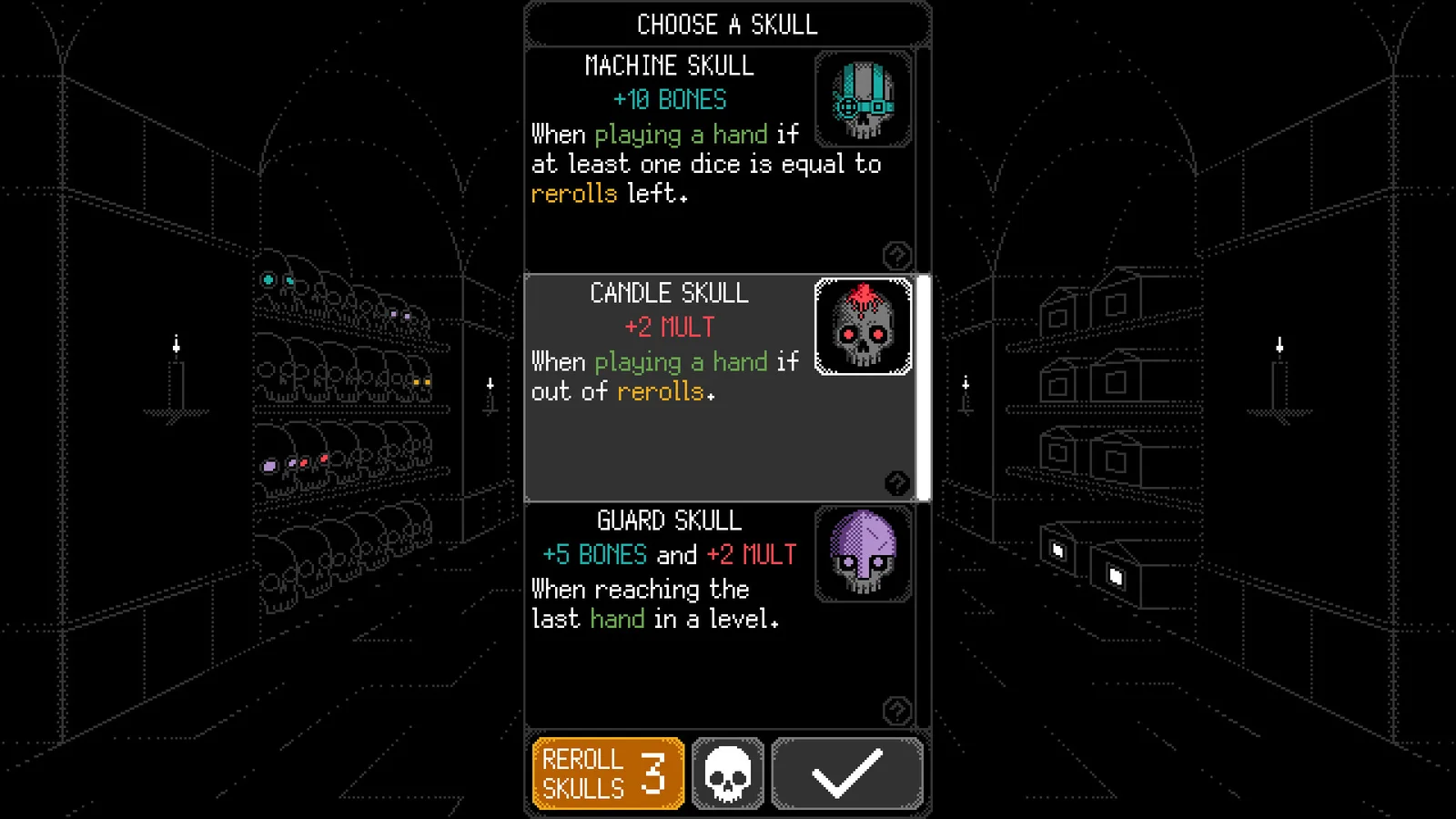
A skull choice shows a reward and a condition. Read them as separate fields, then check whether the condition refers to the hand, a die value or a reroll state. This is a way to read the card; it is not a ranking or a promise that one choice is best for a first win.
The store image below is useful for locating the card fields. Its Machine, Candle and Guard values are not used as current-version recommendations, and Guard's visible wording concerns the last hand in a level rather than a poker-hand rank.
Open the official card screenshot at full size
Open the documented skull list
Learn how to read skull triggers
- Identify when the condition is checked.
- Read the required hand, die or reroll state.
- Read the reward separately.
- Recheck the condition after the dice change.