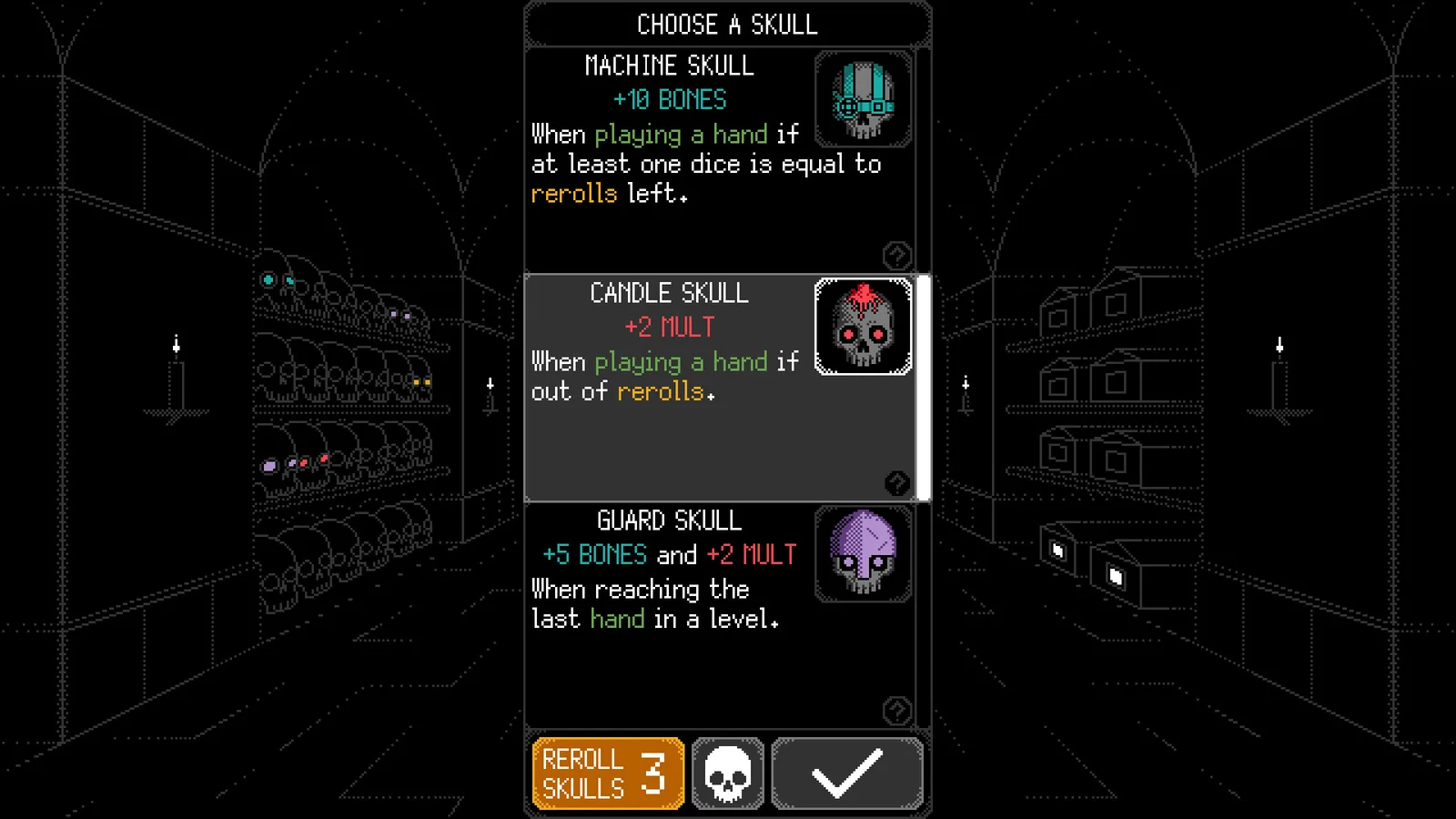
Read the trigger and reward separately
A skull card gives you a name, a condition and a reward. First identify when the condition is checked, then read the required dice or hand state, and only then read the reward. The official store screenshot at the top shows that card layout; its visible Machine, Candle and Guard values are examples from an unknown promotional build rather than current recommendations.
Official Steam update 1.6 documents Judge and Welder as two concrete trigger examples. The table keeps only their conditions, so it does not turn two rules into a complete catalog or a best-skull ranking.
| Skull | When it checks | Documented condition |
|---|---|---|
| Judge | When playing a hand | No die shows 1 or 6 |
| Welder | When playing a hand | At least four dice show 3 or 4 |
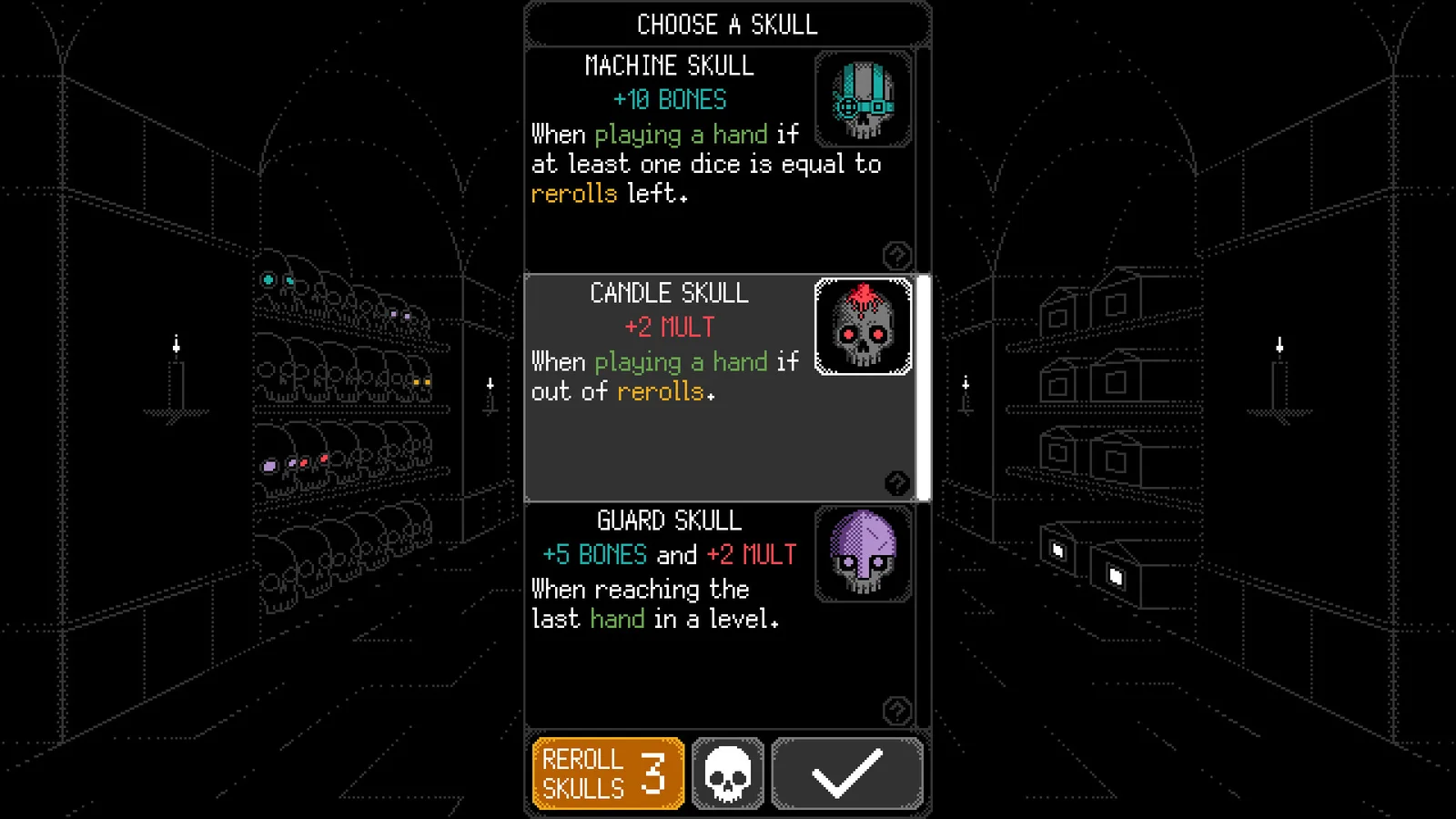
What changes when you reroll skull choices
Reroll Skulls refreshes the choices on the skull selection screen. It is separate from rerolling dice during a hand, and the reviewed official notes do not establish exact draw odds or how many refreshes will find a desired skull.
Official update 1.4 says skull types skipped by skull rerolls enter a temporary blacklist across colors. Types you already own are not added to that blacklist, and exhausting the types outside it clears the blacklist. This describes hidden pool behavior, not a guarantee about the next choice.
Official update 1.2 adds a separate color rule: during one skull selection instance, including its rerolls, a skull type can appear in only one color. That restriction does not establish that same-name skulls of different colors stack, nor does it make all color rewards simultaneous.
| Action | Documented scope | What it does not prove |
|---|---|---|
| Reroll Skulls | Refresh the skull-choice pool | Dice-result RNG or exact draw odds |
| Temporary blacklist | Skipped, unowned skull types across colors | That a skipped type can never return later |
| One-color choice rule | One skull type appears in one color within that selection instance | Cross-color stacking or a universal color value table |
Read activation status and look up skull details
Official Steam update 1.6 says the skull inventory button shows a combined activation number: skulls already activated by rerolling plus skulls that would activate if the current hand were played. It is not a count of only new play activations and it is not an exact score preview.
The same update says activation animations highlight contributing dice and interface elements. It also describes the Achievements menu as a skull encyclopedia: select the corresponding skull achievement to view details. The notes do not establish how much a locked entry reveals or provide a complete exported 1.6 roster.
These functions are documented in the official Steam 1.6 notes but were not reproduced in a current client for this page.